

 Deutsch
The Upper Level
High above the colony: how to open up the plateau, what is different up there and how power and residents get upstairs.
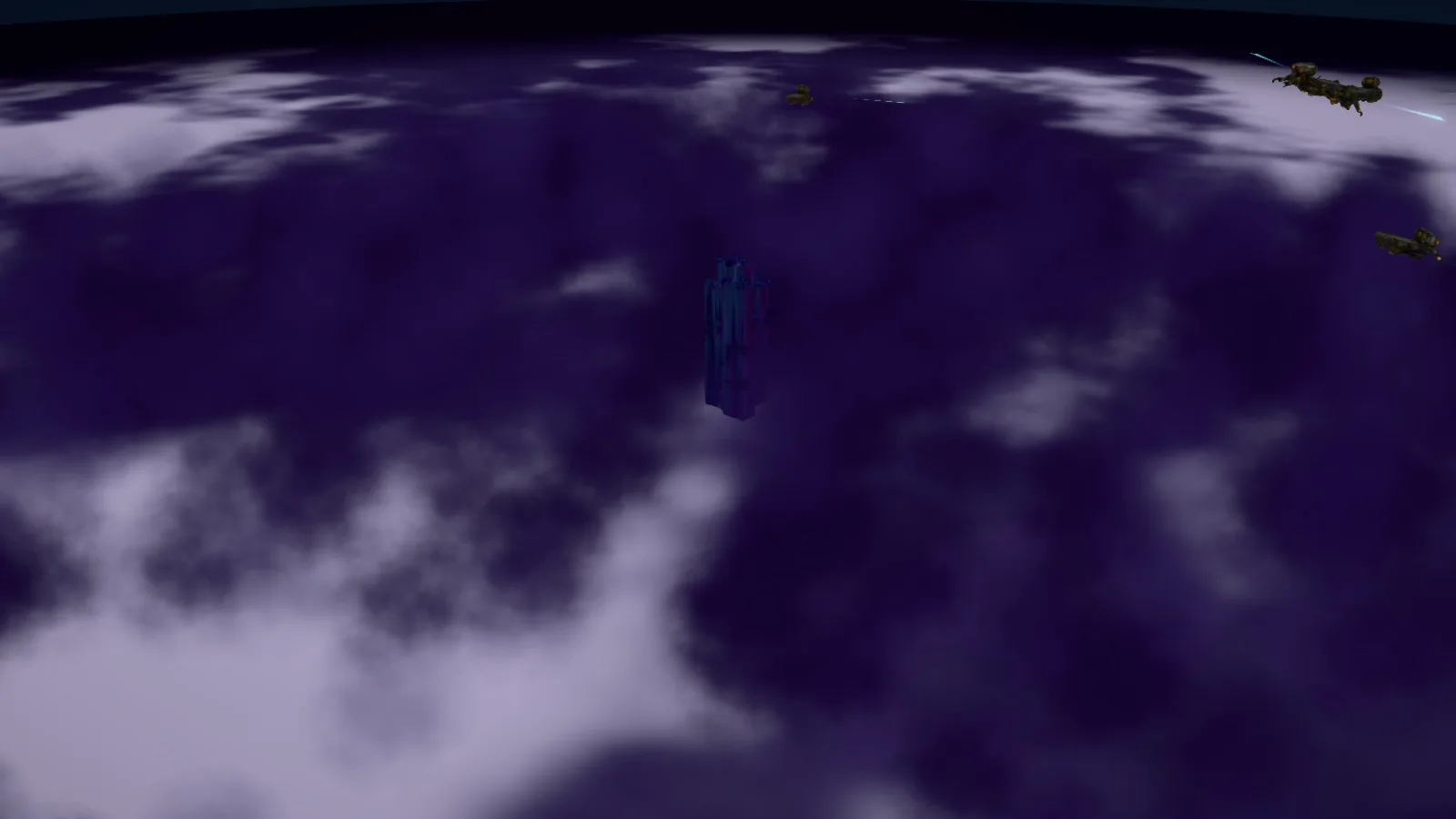
Down below, space eventually runs short. Then you go up: above the colony lies the upper level with platforms and skyscrapers above the clouds.
The way up
- Build an access tower below (Access Towers).
- Place a platform up top within the access tower's reach (Platforms).
- Raise a skyscraper on the platform and assign its floors (Skyscrapers and Floors).

Switching levels
The level button switches between the colony and the upper level. In the settings you can decide whether zooming out also leads up to the upper level. Until the first access tower the upper level is locked, in the tutorial until step 25.
Up top the build menu changes: High-rises (the skyscrapers), Plateau (access towers and platform) and Major Projects. Two tiles with question marks are already waiting there: High-Rise Industry and the Communication Tower. Platforms can only be placed from above. While placing, a tile grid shows free tiles in grey and occupied ones in red.
What is different up there
- There are no roads and no bus stops. Everything up top uses the access tower.
- Power comes from below through a line in the access tower.
- No skyscraper may touch another, at least one tile stays free.
- You decide yourself what moves into each floor. Look carefully at what you activate up there.
- Rent up top is 2.5 times as high as below.
What you need for it
Access towers and platforms cost money, metal, kryptonite and spice. Skyscrapers need lots of krypto steel. Without steady kryptonite and spice production you will not get far up here (Kryptonite, Spice).